 Yozma
Don't type,
speak.
Voice typing that turns speech into clean, finished text in any program.
Works in every app
Three times faster than typing
People usually type 40 words a minute and speak 130.
Don't believe it? Try it yourself
Type the text below. The clock starts at the first letter.
Oʻzbekistonda ertalab bozorga borgan odam gʻoʻza, oʻrik va yangi non haqida gaplashadi.
Fits around you
It writes the way you work
Завтра созвон bor, deadline ni surdik.
Three languages in one sentence
A Russian word stays Russian and an English word stays English. Nothing gets translated. Latin or Cyrillic, your choice.
- + Add a wordPaymeSamarqandToshkentTelegram
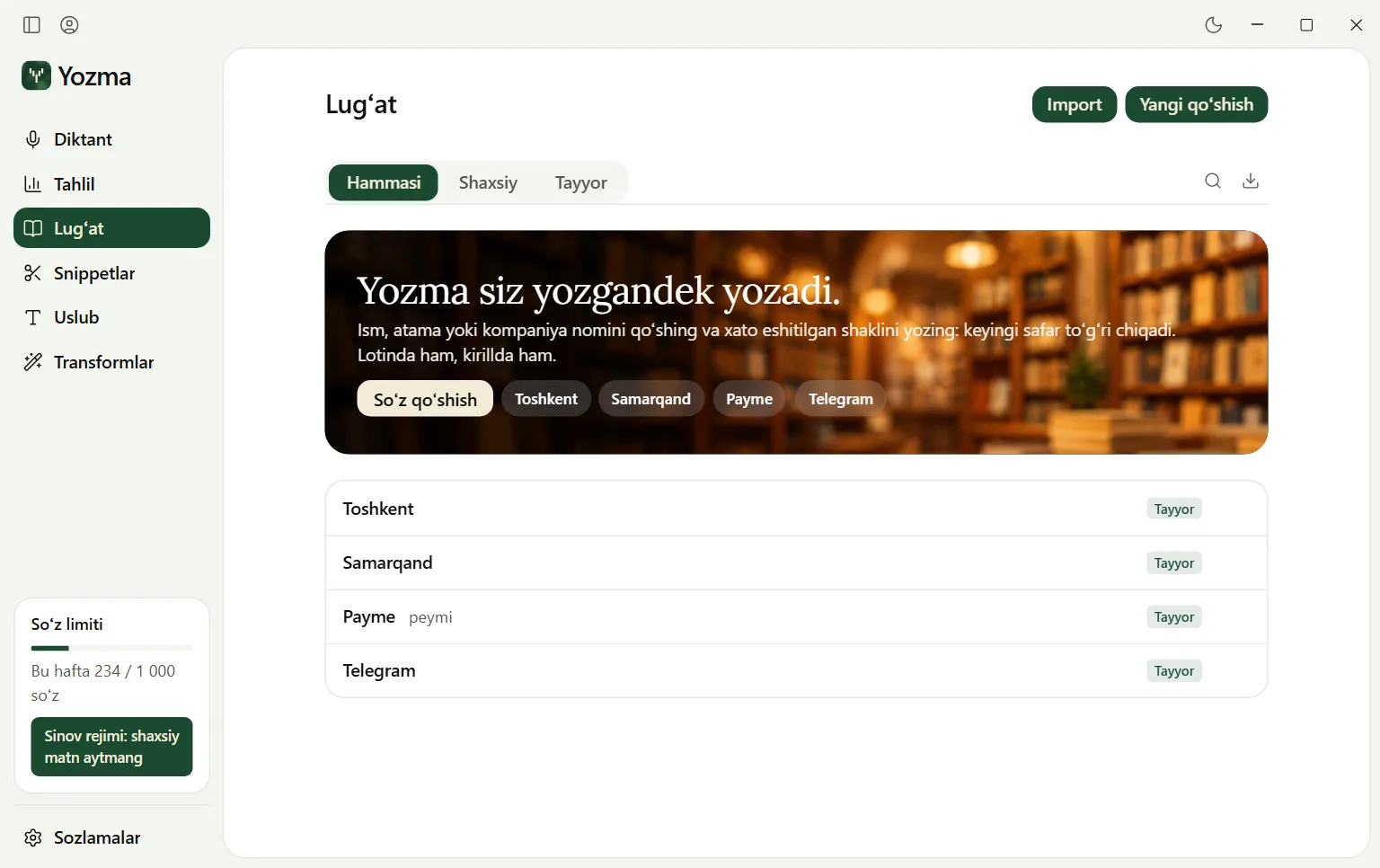
Learns your words
Add names, companies and terms. Next time they come out right.
- “my address”→Toshkent, Chilonzor 5, 12-uy
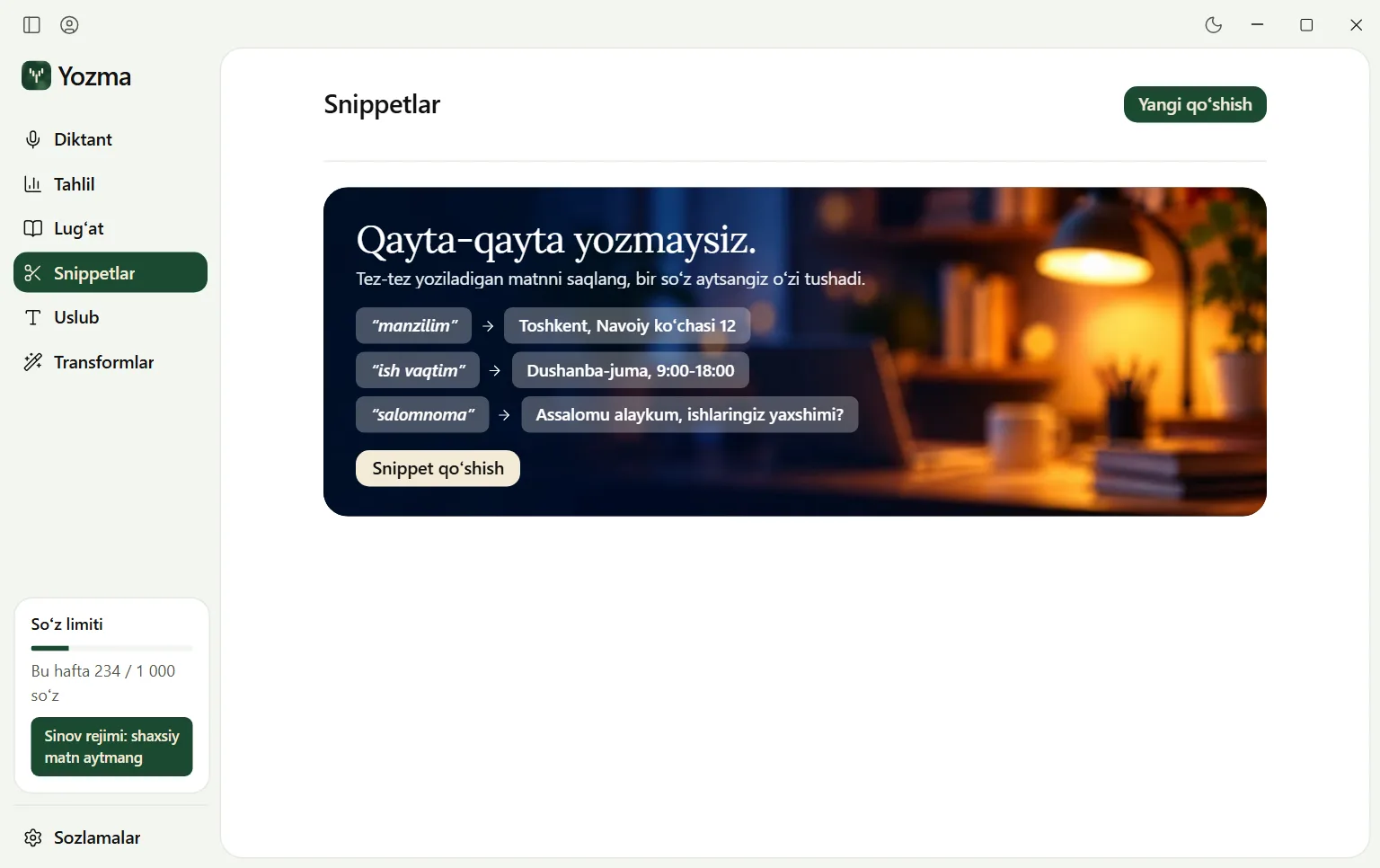
Never retype the same thing
Save an address, a card or a stock reply. Say one word and the whole text appears.
FormalHi, are you free for lunch tomorrow? 12 works for me.
CasualHi are you free for lunch tomorrow? 12 works for me
Very casualhi are you free for lunch tomorrow 12 works for me
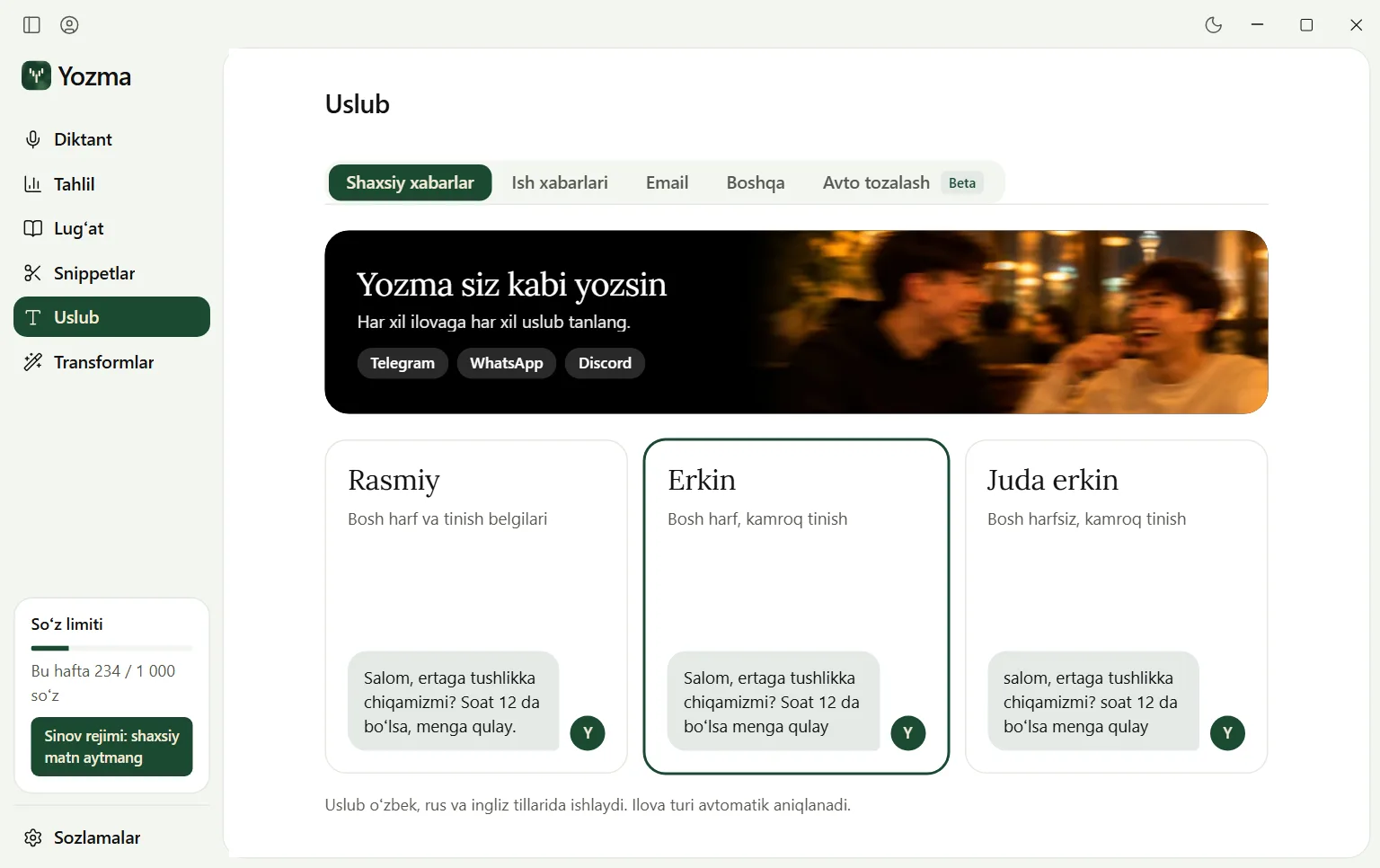
A style for every place
Relaxed with a friend, formal at work. Yozma goes by the program you are in.
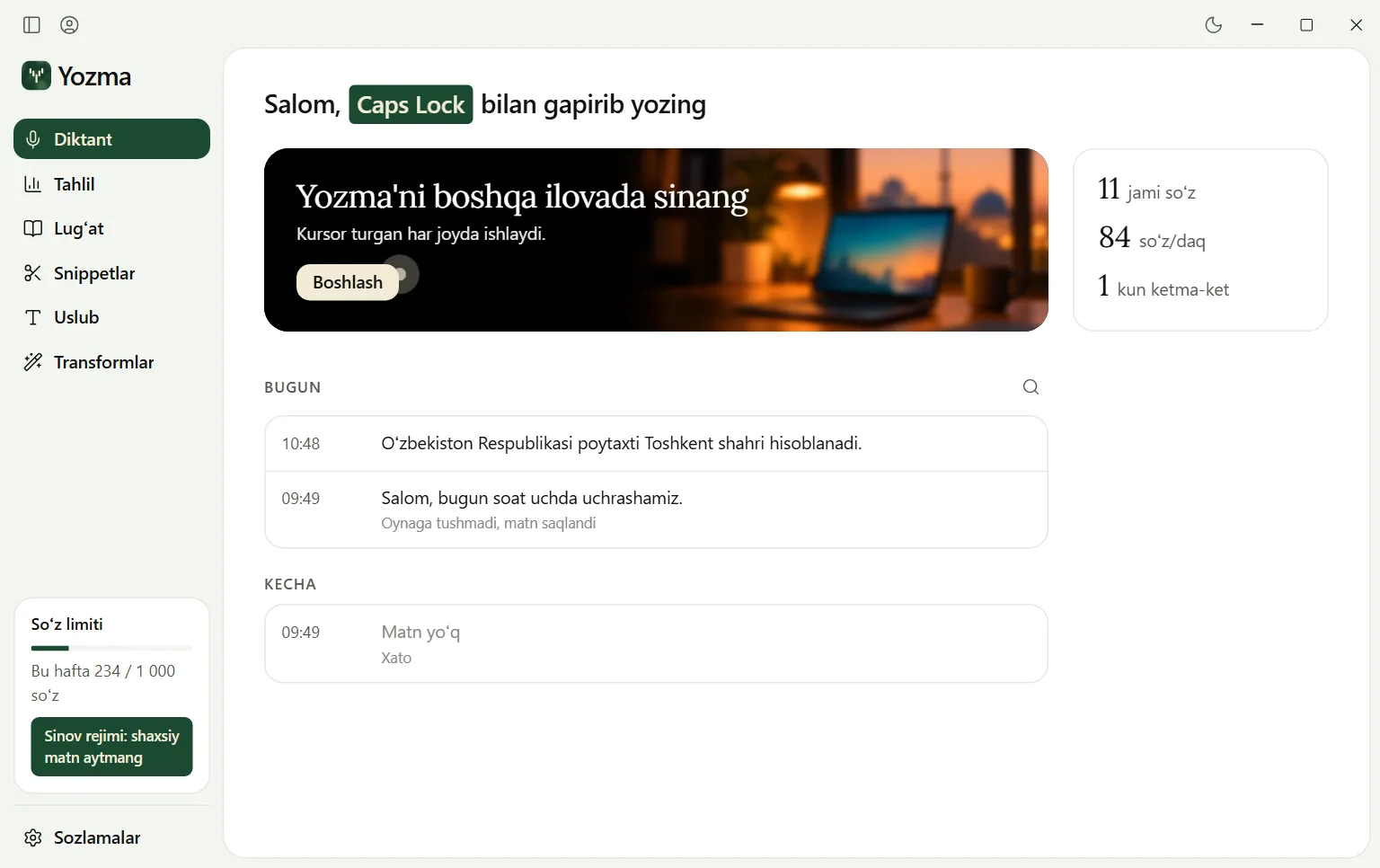
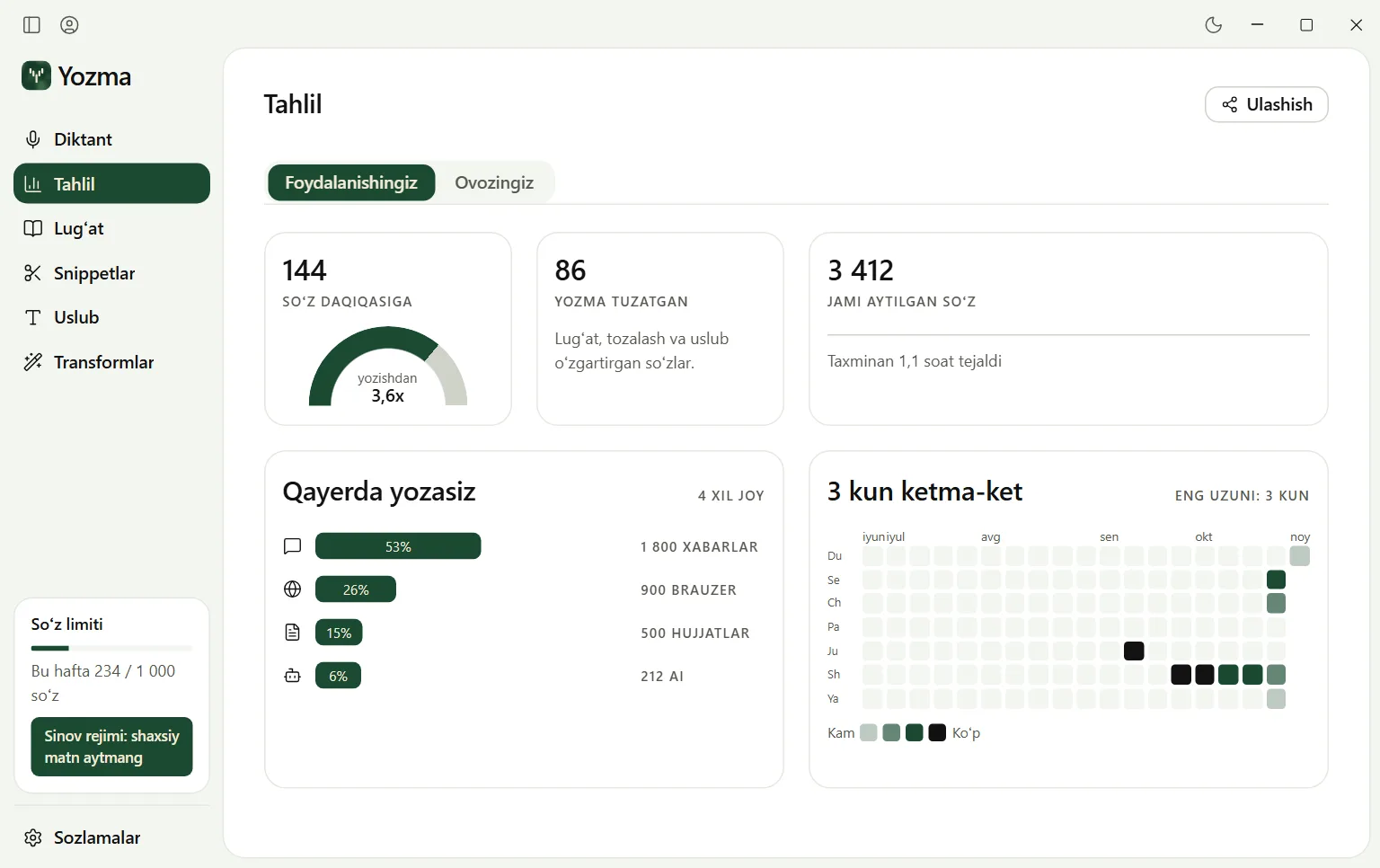
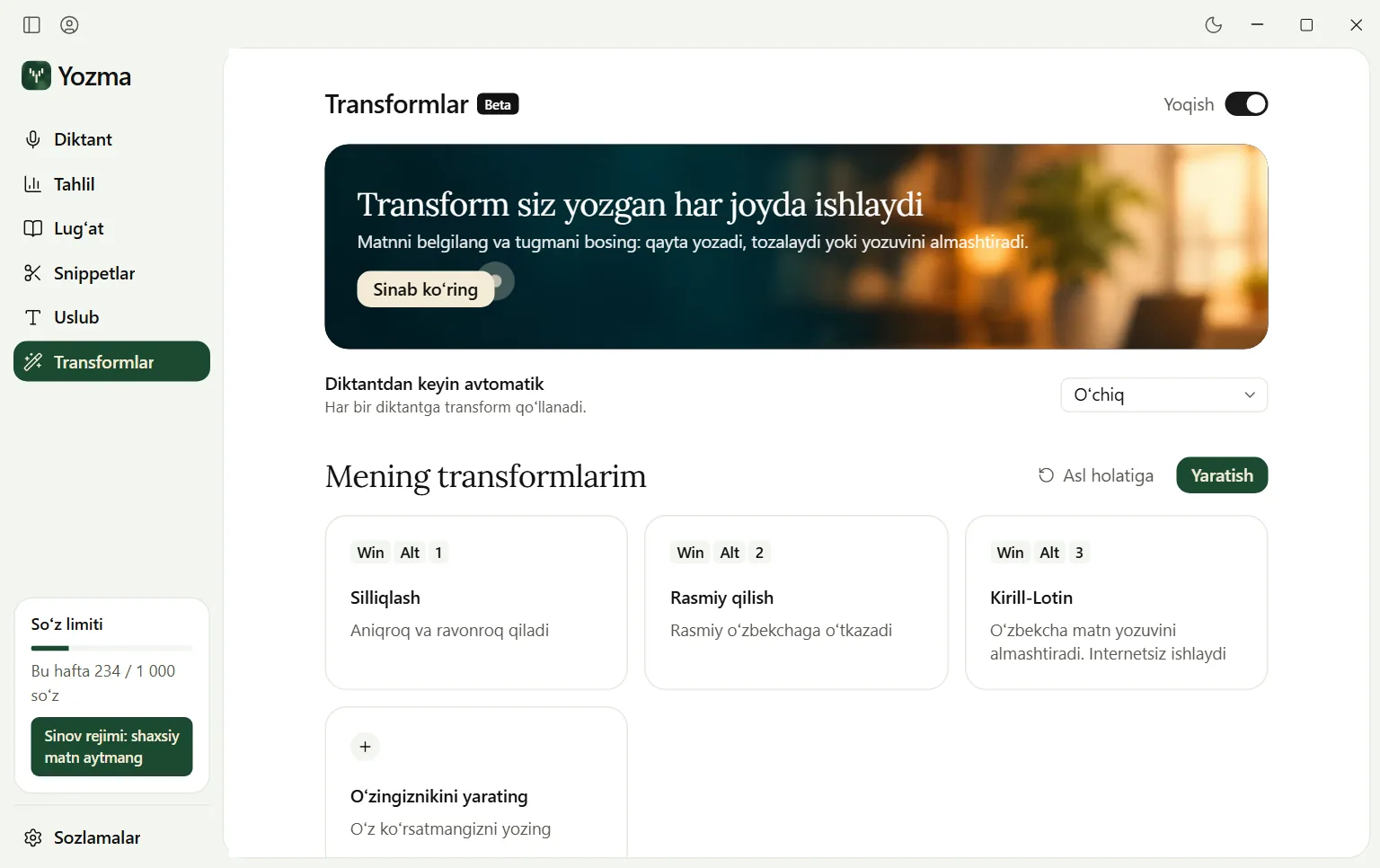
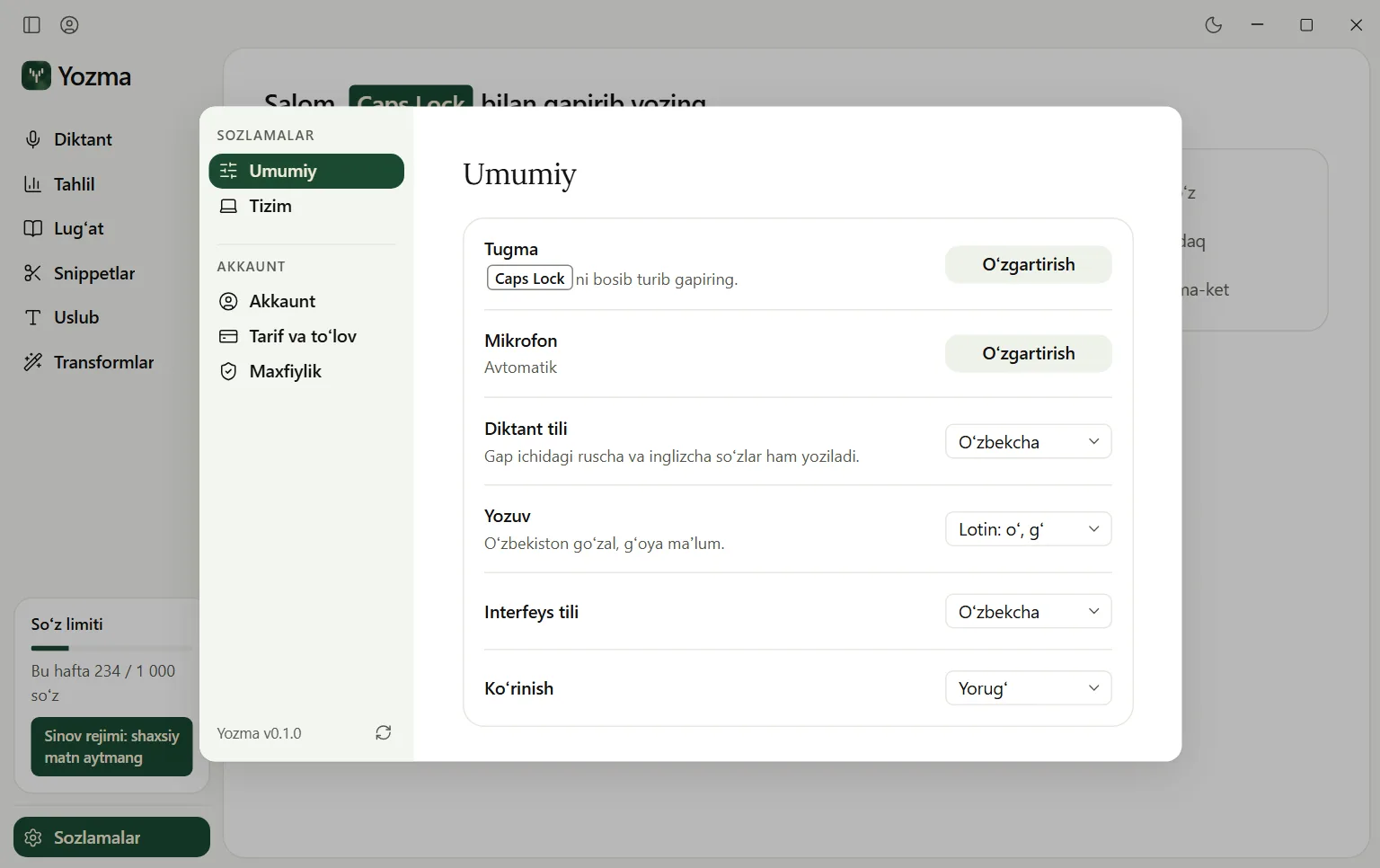
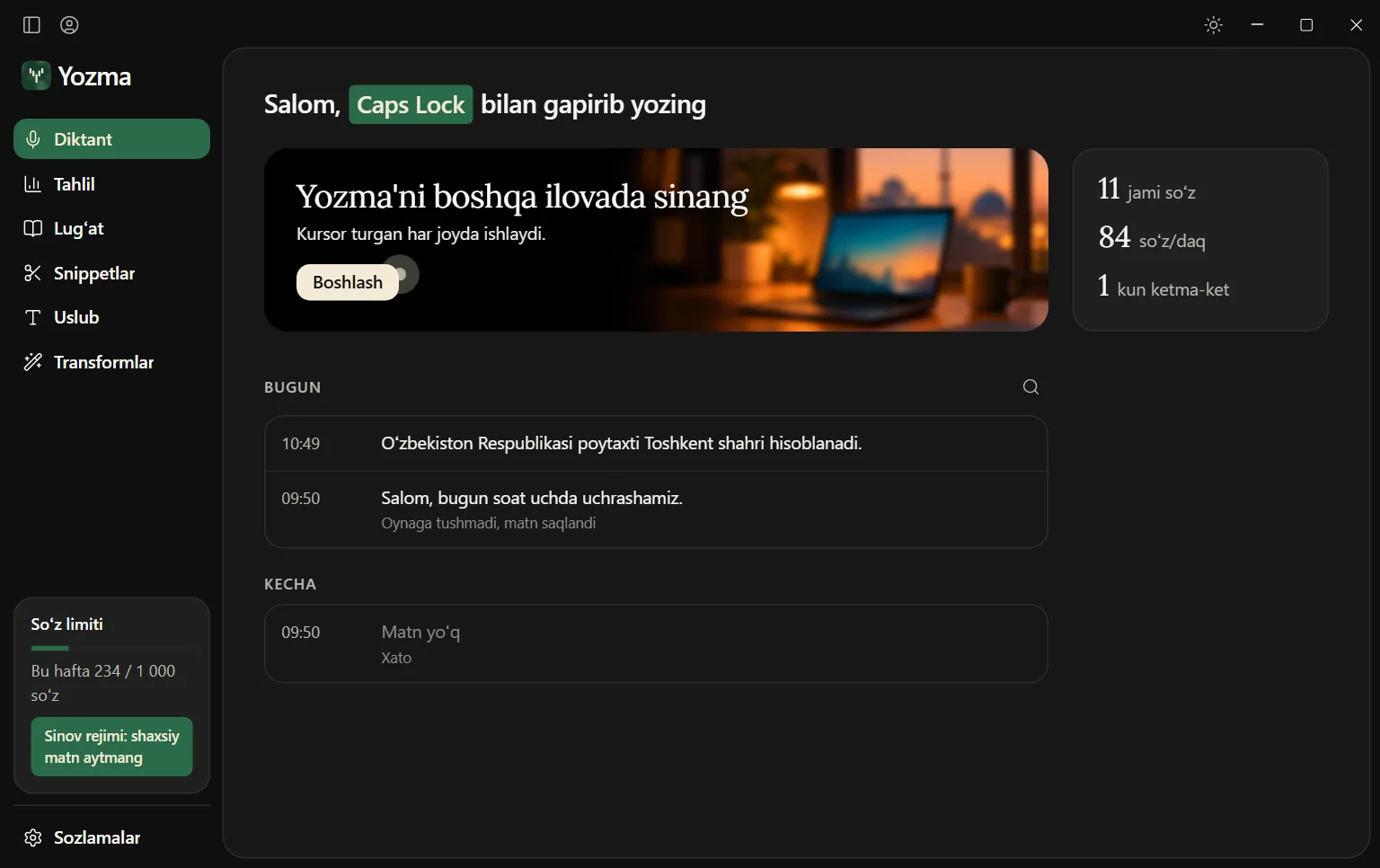
Here is how it looks inside
History, dictionary, shortcuts, style and an analysis of your speed.
Easy to start
It only takes 3 steps
Hold the key
Caps Lock, or any key you choose. In any program.
Talk normally
Uzbek, Russian, English. Ums and repeats fall away.
Let go
Finished text appears where your cursor is.
 Telegram
Tomorrow at ten I'll take my son to school, then I'll come to the office.
Your voice stays yours
Never reaches a disk
It stays in memory and is wiped once it has become text.
History on your computer
Texts are stored encrypted for as long as you choose.
Not kept on a server
Your voice passes through to be transcribed and is not stored.
Price
Nothing is charged automatically. You pay each month yourself, or you don't.
Free
0 so'm
1 000 words / week
- Every feature open
- One dictation up to 5 minutes
- All languages and alphabets
- Dictionary, shortcuts and styles
Plus
59 000 so'm / month
12 000 words / month
- Everything in Free
- One dictation up to 20 minutes
- Long speech is cut into parts for you
- Out of words, the Free limit keeps working
Payment opens soon. For now, by promo code.
Pro
129 000 so'm / month
30 000 words / month
- Everything in Plus
- One dictation up to 60 minutes
- The cheapest word is here
Payment opens soon. For now, by promo code.
Custom
Price to be agreed
We pick the word count together
- For organisations and people who write a lot
- One dictation up to 60 minutes
Frequently asked questions
Which programs does Yozma work in?
Almost anywhere you can write: Telegram, Word, a browser, email and more. There is nothing to connect, you just hold a key and talk. For safety it does not type into password fields. It runs on Windows and on Macs with M1 or newer.
Which languages does it understand?
Uzbek, Russian and English, even mixed in one sentence. Nothing gets translated, your words stay as you said them. You choose whether the result comes out in Latin or Cyrillic.
Does what I say stay private?
Yes. Your voice is sent over an encrypted connection only to be transcribed, is never written to disk and is not kept on our server. Your dictation history stays encrypted on your computer. The privacy policy has the details.
Does it need the internet?
Yes, speech becomes text over the internet. If the connection drops, don't worry: your voice stays in memory for up to 5 minutes and one button sends it again.
What happens when the free words run out?
You get 1,000 free words every week, and the limit renews the next week. If you need more, you can move to Plus or Pro. Nothing is ever charged to your card automatically.
Windows shows a warning. Is that dangerous?
There is nothing to worry about. Yozma has no digital signature yet, so Windows warns about an unfamiliar program. Choose “More info”, then “Run anyway”.
You don't need a keyboard anymore.
Yozma is enough.
Installing takes a few minutes. After that, you hold a key and talk.